


One question that we started getting interested in a few months ago is "what is the quickest way to start watching music videos?" If this were days of music videos on MTV, you could just flip over to a music video channel and see what was on. Now, it's not that easy. Usually it involves going to a site or blog that curates music videos, seeing what they recommend, pressing play, and then on to find another video. Maybe it involves clicking around on IMVDb to find music videos that you haven't heard of.
Recently we set out to find out what is the quickest and easiest way to watch music videos and turn it into a feature on the site. That feature is now launched, and we're calling it Channels.
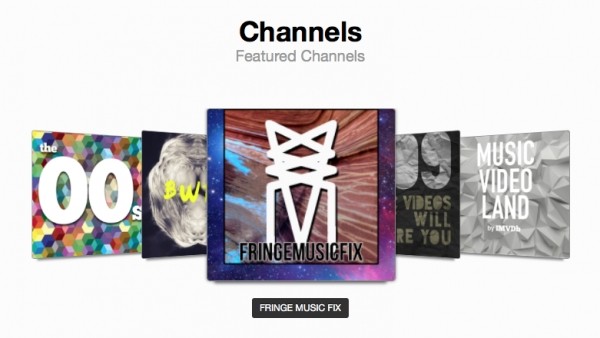
Visit a channel on IMVDb and a video will be chosen at random from its video rotation and start playing - what video starts to play depends entirely on who made the channel and what they want to show you. The fun part is that anyone can create a channel, so, for instance, if you like the taste of our friends over at Fringe Music Fix, you can check out their IMVDb channel and watch what they think are great videos.
We've also got some channels based around certain themes. We've got a 90s Channel that shows you 90s music videos (as well as a 00s channel). Genre channels are coming soon. There are also some great new user-curated channels like 509 Music Videos That Will Inspire You. We also have a flagship channel, Music Video Land. Unfortunately, channels don't work on mobile right now, because of auto play restrictions, but we're working on it!
Once you start a channel, it never stops - another video will always come up. If you don't like what you are seeing right now, you can hit "Skip" and go to the next one.
You can find channels under the "Channels & Playlists" menu at the top. If you want a create a channel, sign in and choose "Start a Channel" from the menu. Started a cool channel we should know about? Let us know in the comments!


